
(Here’s how to update / edit slides in the Metaslider plugin. Note, this instruction is intended for usage on a desktop, not mobile.
Click on any image to bring up a bigger version).
To add slides in MetaSlider,
…navigate to the MetaSlider plugin in your WordPress dashboard,
(probably at the bottom of the list on the left side of your screen).
<– Once clicked, the page will load your existing slidershows. Choose the slideshow you wish to edit.
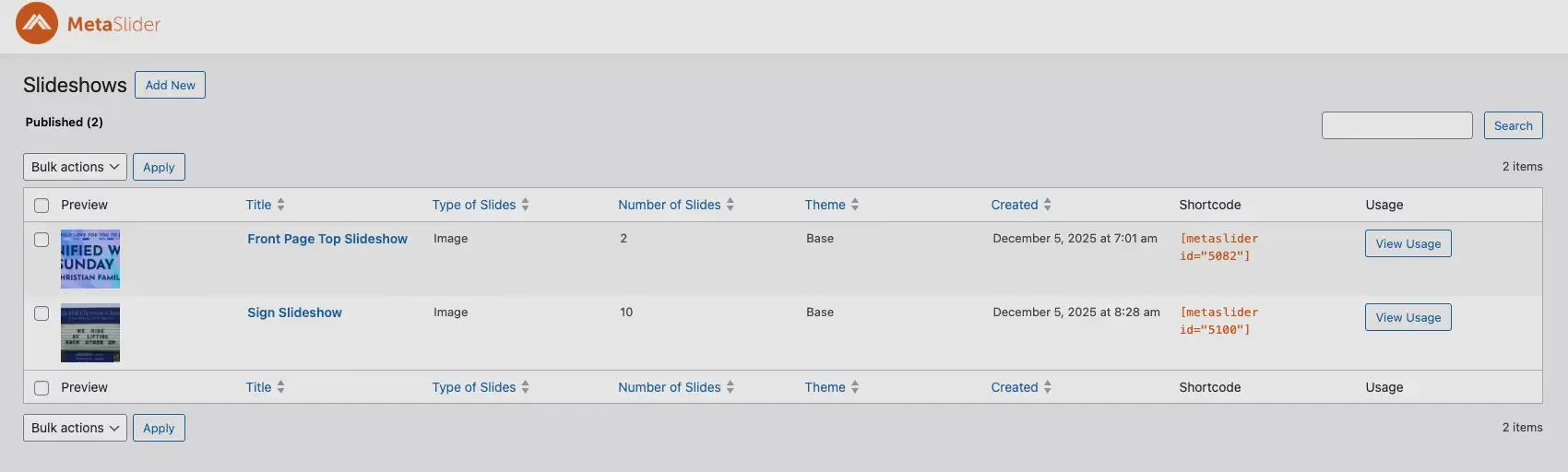
Choose the slideshow you wish to edit.
After you select your slideshow, you will see a list of slides. To add a slide, click the “Add Slide” button in the top right corner
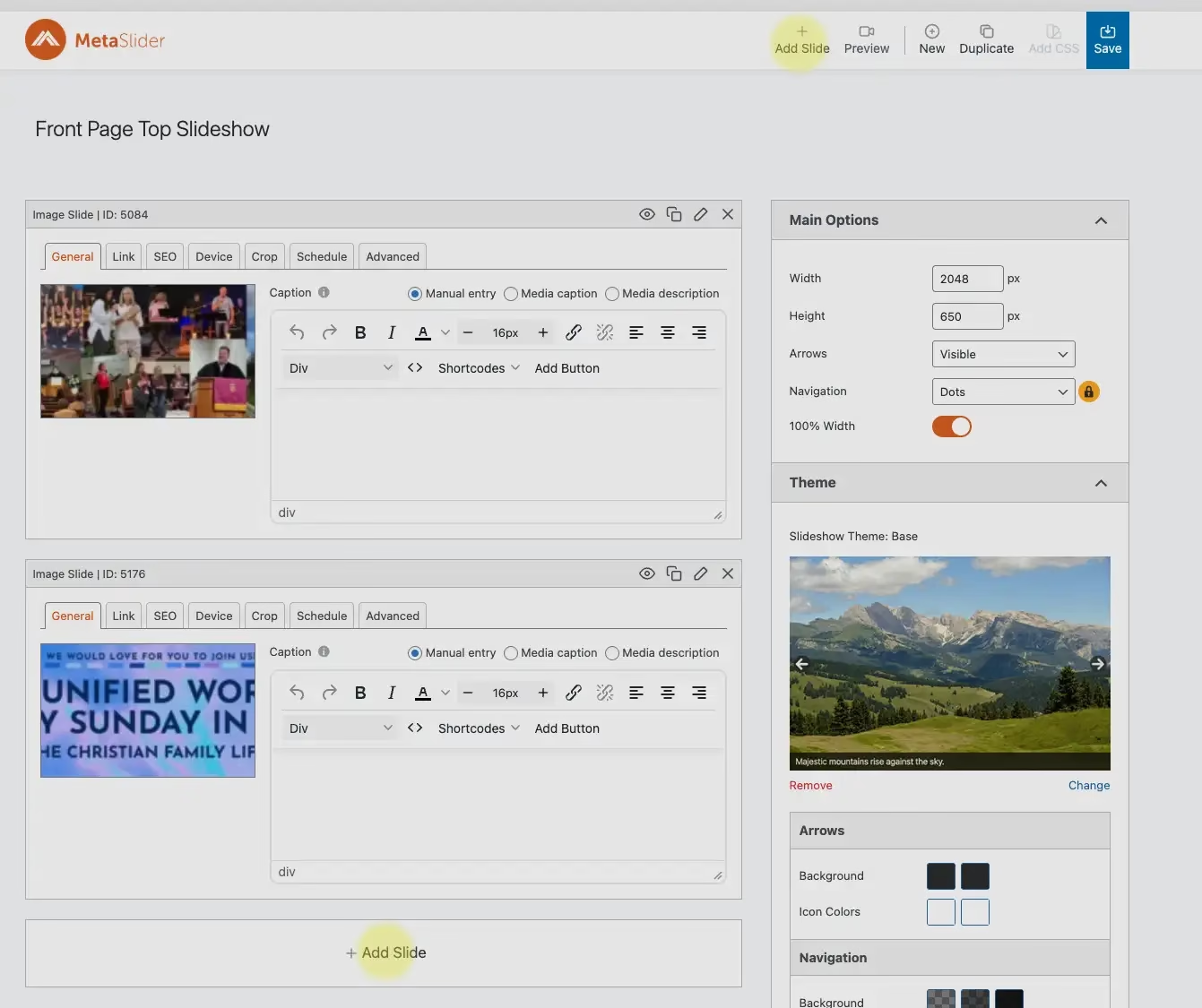
Click on either of the “add slide” areas (highlighted in yellow).
 You can then upload images, select from the Media Library, or choose specialized slide types like Layer Slides,
YouTube/Vimeo videos, or Post Feeds, then click “Add to slideshow” (lower right corner).
To delete a slide, click on the “X” in the upper-right corner of the slide you wish to delete. (highlighted in red.)
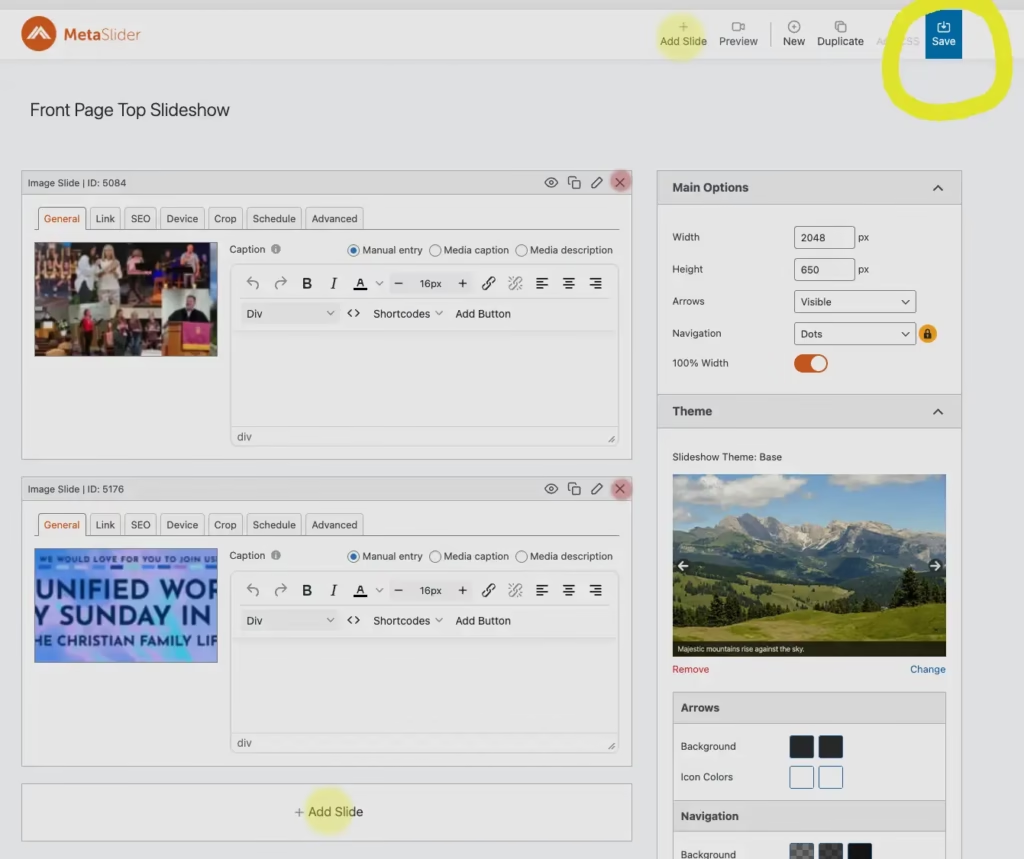
Click “Save” in the upper right corner to save your slideshow.